

Form G-1145 is a free, optional USCIS form. You use it to request a text or email that confirms USCIS has accepted your application or petition. Fill it out, clip it to the front of your mailed application, and the alert arrives within 24 hours of USCIS accepting your case. There is no filing fee.
Mailing an application to USCIS and want to know the second it arrives? Form G-1145 is how you get that first alert.
This guide covers what the form does, who should file it, how to fill it out, which applications it works with, and when you can skip it.
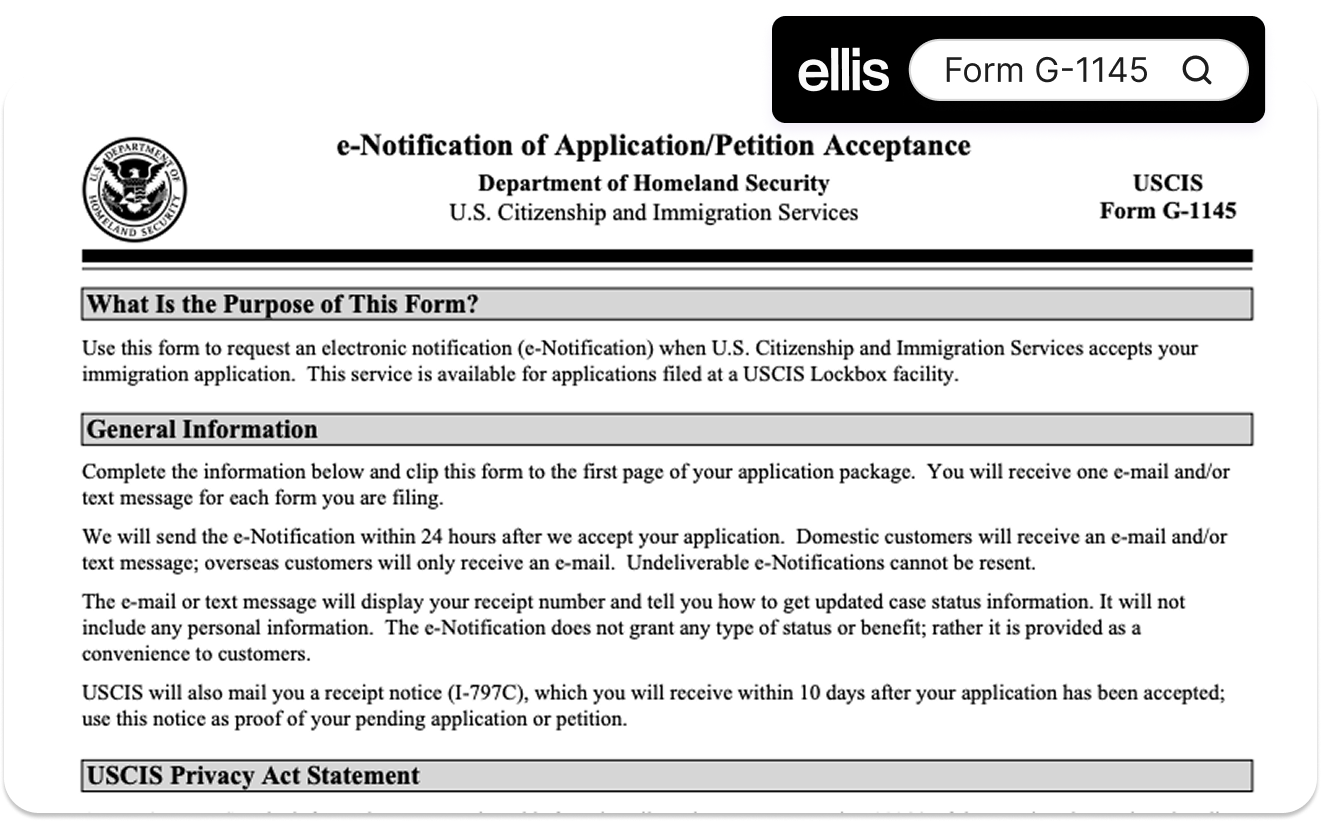
Key Takeaways
- What is it? Form G-1145, the E-Notification of Application/Petition Acceptance, signs you up for a text or email when USCIS accepts a form you mailed in.
- How much? Free. There is no fee for Form G-1145.
- How long? The alert arrives within 24 hours of USCIS accepting your case. It shows your receipt number so you can track your case.
- Important: Form G-1145 is only for paper applications mailed to a USCIS lockbox. If you file online, you do NOT need it. Your USCIS account already shows acceptance and case status.
- Need help? Ellis pairs you with an immigration attorney and tracks your case from filing to decision. Start here →
What is Form G-1145?
Form G-1145 is a one-page USCIS form. It asks USCIS to notify you the moment your application or petition is accepted. Its full name is the E-Notification of Application/Petition Acceptance.
You do not file Form G-1145 on its own– you submit it with the form you are actually filing.
The alert comes as a text, an email, or both. It confirms USCIS has your package and gives you your receipt number. You use that number to check your case status online and in the USCIS mobile app.
One thing to know: Form G-1145 does not affect how your case is decided. It only controls how fast you learn USCIS has your paperwork.
Is Form G-1145 required, and is it free?
Form G-1145 is completely optional and free. You can file any eligible application with it or without it, and USCIS charges nothing for it.
Skip it and you still get a paper receipt notice, called Form I-797C, once USCIS accepts your case. The G-1145 just reaches you faster, often days before that paper notice arrives. Most people file it for peace of mind that their package was not lost in the mail.
What information does the notification contain?
The alert contains two things: your receipt number and instructions for checking your case status. It does not include your name or any other personal details.
USCIS leaves that information out on purpose. Text and email are not secure, so the alert sticks to the receipt number and a link to case status tools. You will need that receipt number to set up or update your account at the USCIS case status page.
Which forms can you file Form G-1145 with?
You can file Form G-1145 with many common applications and petitions. The one rule: you have to be mailing them to a USCIS lockbox. Here are forms people file with it often:
Form | Purpose | Who uses it |
|---|---|---|
Apply for a green card (adjust status) | People becoming permanent residents inside the US | |
Petition for a family member | US citizens and green card holders sponsoring relatives | |
Apply for employment authorization (EAD) | Applicants seeking a work permit | |
Renew or replace a green card | Permanent residents with an expiring or lost card | |
Apply for citizenship | Green card holders naturalizing |
This is not the full list. Form G-1145 works with most family-based forms and many others accepted at a lockbox. Check your form's filing instructions to confirm it goes to a lockbox address.
How to fill out and file Form G-1145
It takes a few minutes. Follow these steps:
- Download the current form from the official USCIS Form G-1145 page.
- Enter your last, first, and middle name.
- Enter your email, your mobile number, or both, wherever you want the alert sent.
- Clip the completed G-1145 to the FRONT, meaning the first page, of your application package.
- Mail the full package to the USCIS lockbox address in your form's filing instructions.
Two things to avoid. Do not staple the G-1145 to your application. And do not mail it by itself. It has to sit on top of the form it belongs to so the lockbox can match them. Once USCIS accepts the package, the alert goes out within 24 hours.
Where does Form G-1145 go on my application?
On top, clipped to the first page. Put it ahead of the application, the cover letter, and the payment.
This matters more than it sounds. Placing it anywhere else is the most common reason people never get their text or email. The lockbox reads the top sheet first, so the G-1145 has to be the first thing they see.
When and how will I get the notification?
Within 24 hours after USCIS accepts your application at the lockbox. It arrives as the text or email you asked for and shows your receipt number.
One catch: "accepted" is not the same as "mailed." The clock starts when the lockbox processes your package, not the day you drop it in the mail. With mail time and lockbox volume, that can be several days later.
And if your contact info had a typo, the alert will not reach you. Your case still moves forward normally.
Do I need Form G-1145 if I file online?
No. File through a USCIS online account and you do not need Form G-1145. Your account already shows when USCIS accepts your case and updates your status on its own.
The G-1145 exists for paper filings mailed to a lockbox. Online filers get acceptance and case updates built in. If you are deciding between filing online or by mail, that is one small point for online: the tracking comes standard.
Why haven't I received my text or email?
Usually it comes down to one of these:
- The form was not clipped to the front, so the lockbox never processed it.
- Your email or phone number had an error.
- You mailed to an address that is not a USCIS lockbox. The service only works at lockbox locations in Lewisville, Texas; Chicago, Illinois; Elgin, Illinois; and Phoenix, Arizona.
- Your package is still in transit or has not been accepted yet.
A missing alert does not mean your application was rejected. If you are worried, wait for the paper receipt notice, Form I-797C. USCIS mails it to everyone, whether or not they filed a G-1145.
How Ellis can help
Form G-1145 is simple. The application it rides along with usually is not. Ellis’s immigration team can make filing less of a chore, with a platform that tracks every case update. For a green card, a work permit, or a family petition, a professional double-check is worth it. Schedule a free consult →
This article is for informational purposes only and is not legal advice.